

Choose your registration path
Whether you're flying solo or rallying a squad, there are many ways to Sleep At The 'G.
Choose from one of the registration options below.
Please note: if you are planning on bringing a child aged 15-17 you will need to create a family/schools team.
There is no option to add children to workplace or community teams.
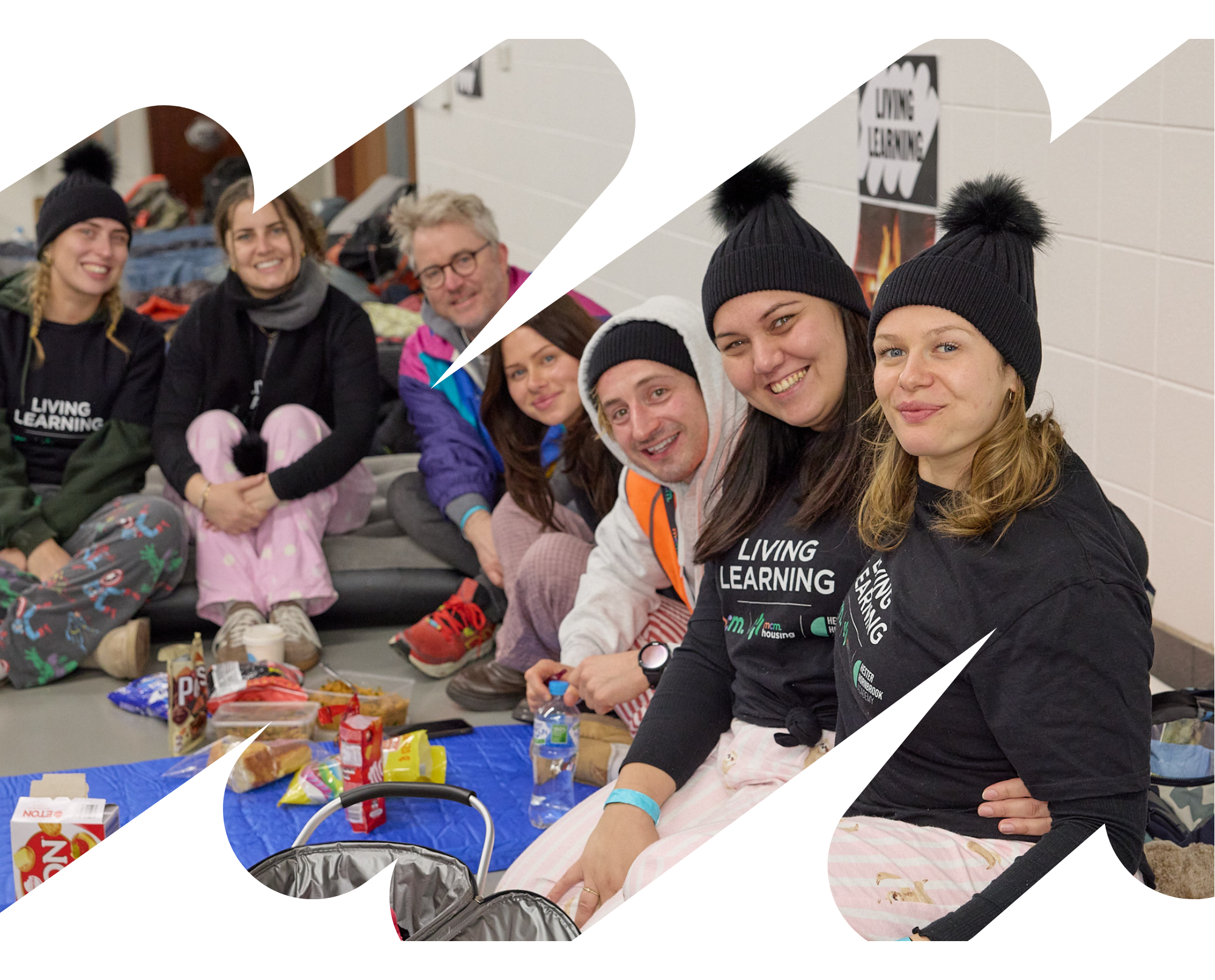
Workplace
For every type and size of organisation and workplace team.
If you want to bring children aged 15-17 you will need to create a family team
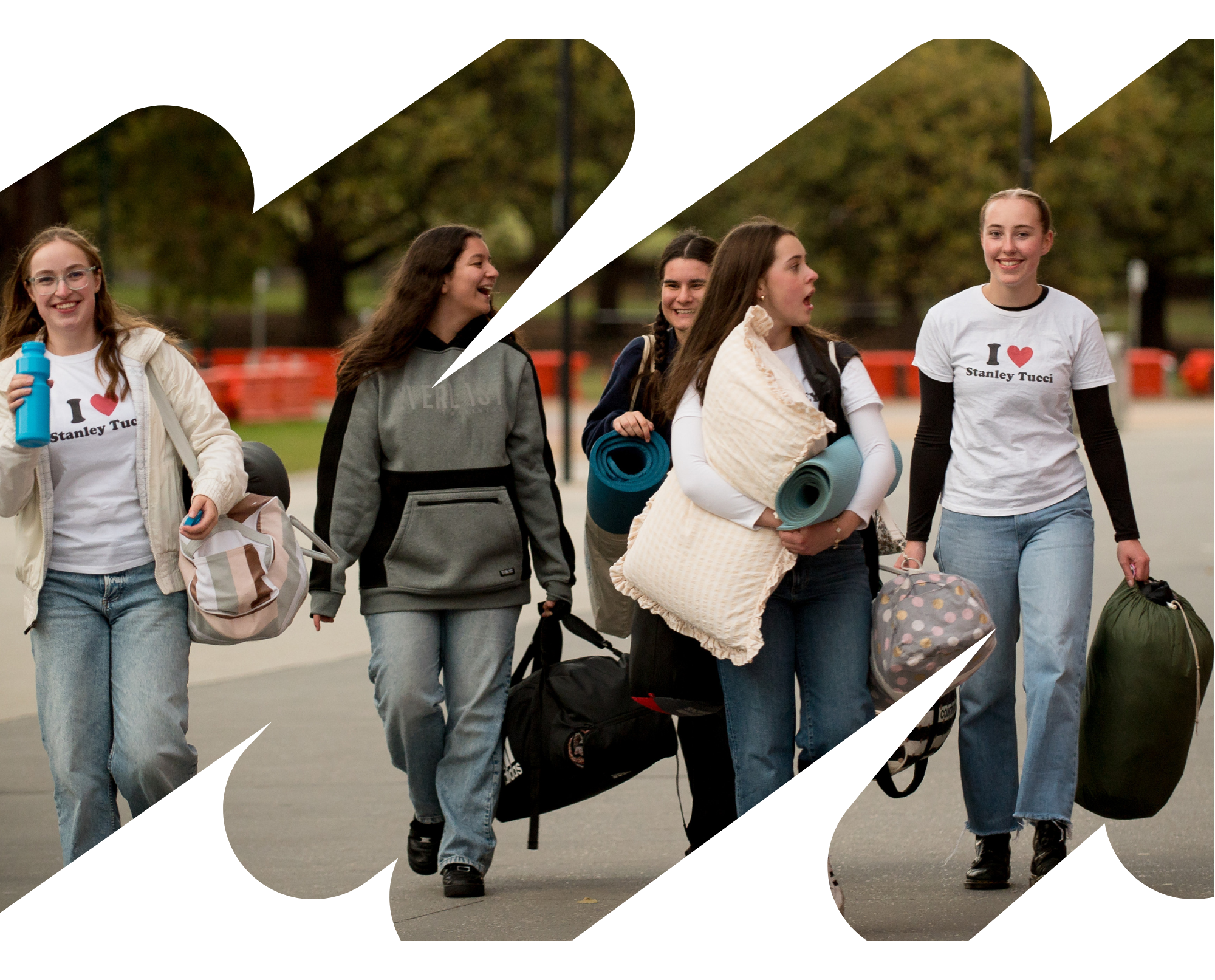
Team
For community groups, friends and families who are all 18+ years.
If you want to bring children aged 15-17 you will need to create a family team
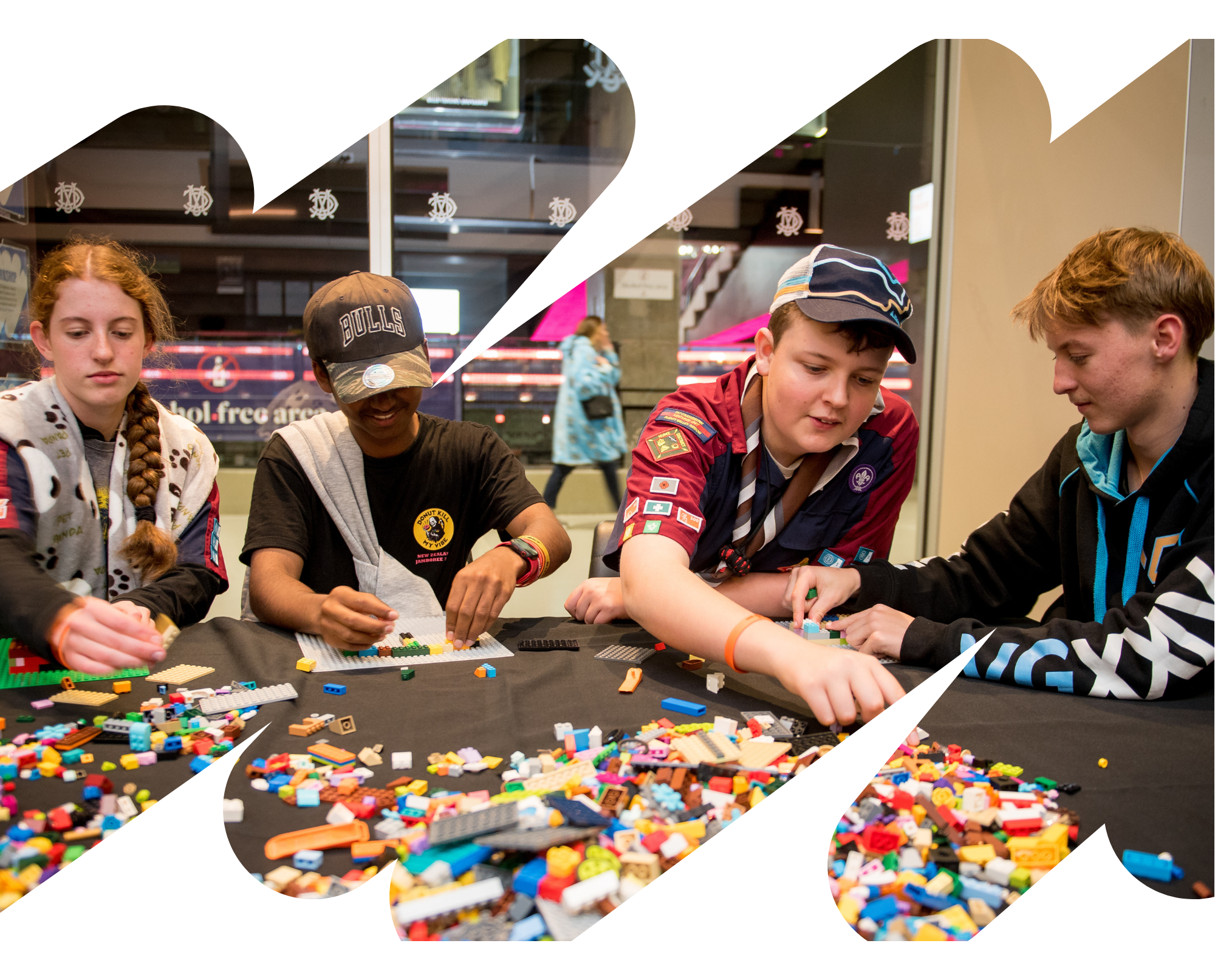
Family/Schools
For families, schools and teams with children aged 15-17 years.
There must be 1 adult per 2 children registered
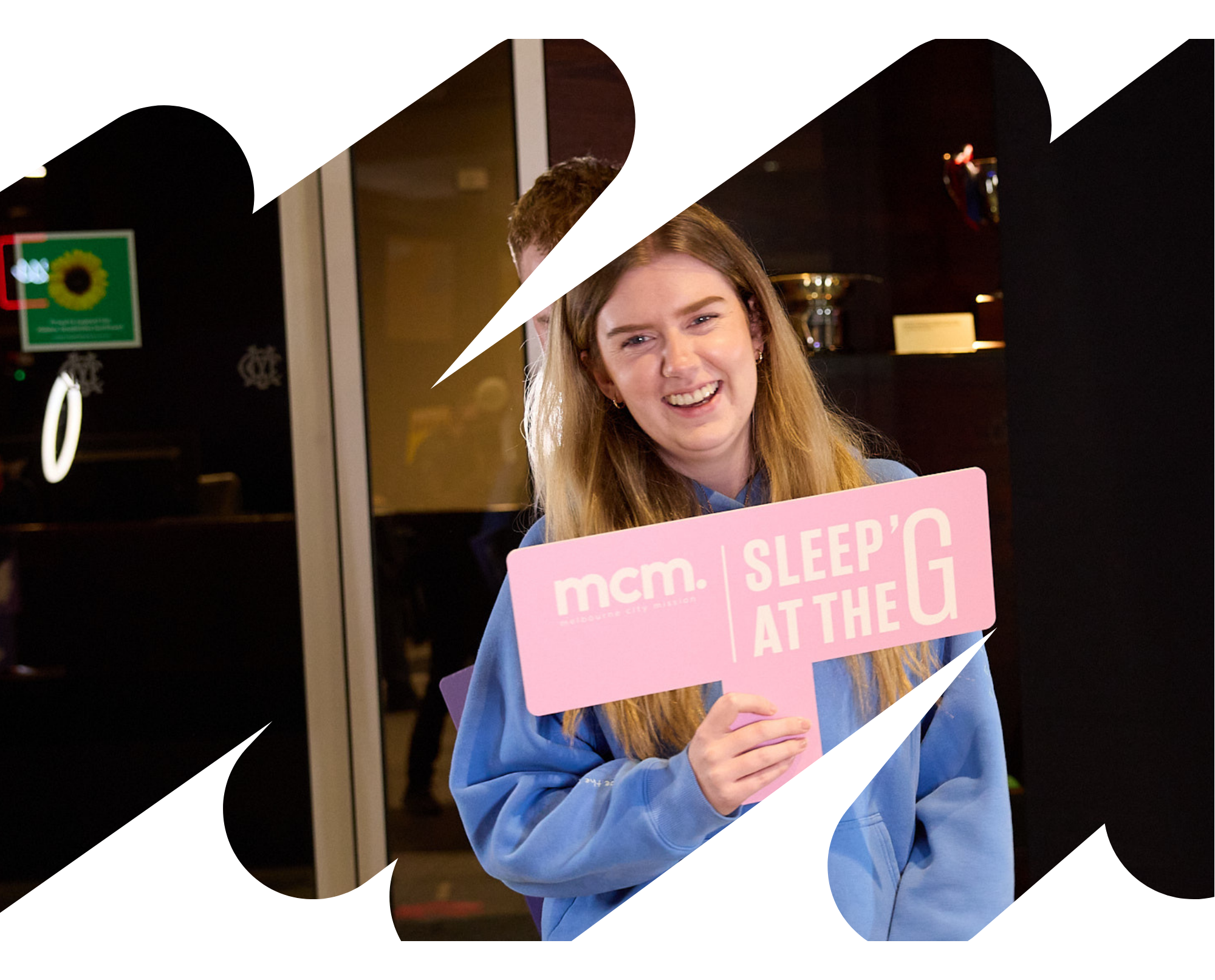
Individual
For anyone who wants to register as a solo sleeper.
You still have the option to join or create a team if you change your mind later
Note for setting up and joining teams
Setting up a team: Team Captain's can create a team by selecting the relevant registration above. You'll be able to set up your personal profile as well as your team's page. From there, you can share your team specific registration link to your colleages, friends or family.
Joining an existing team: If you've been invited to join a team, your team leader will have a specific registration link ready to email to you. Follow that link to set up your profile and join your team. If you've been invited to join a workplace or community team but you want to also register a child aged 15-17, you will need to create your own family team.


